Purchase Invoice တစ်စောင်ချင်းစီအတွက် ငွေပေးချေနည်း
By Thu Thu Mon on January 17, 2021
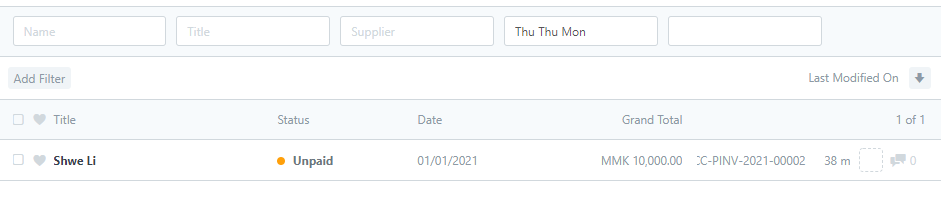
Beginnerမိမိငွေချေလိုသော Purchase Invoice ကိုနှိပ်ပါ။
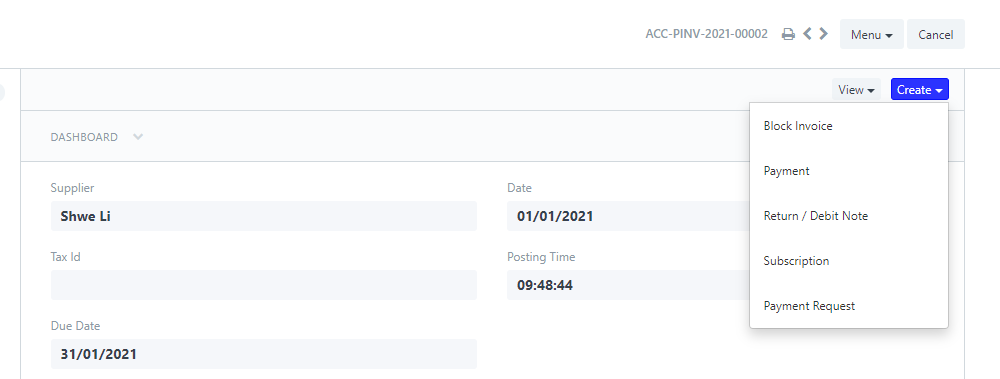
 Create > Payment ကိုနှိပ်ပါ။
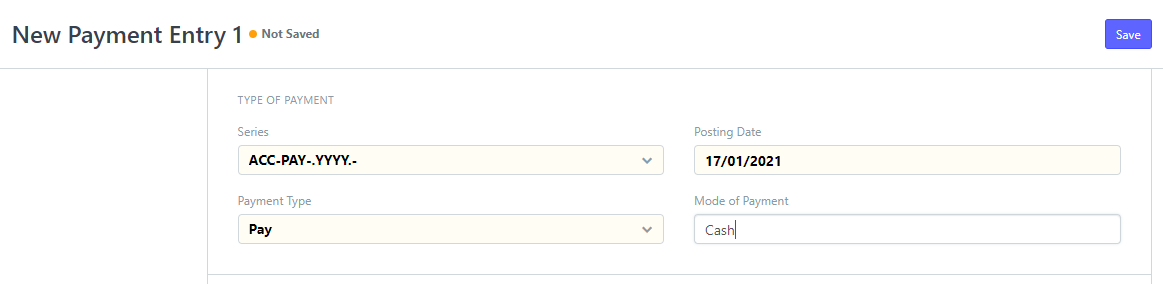
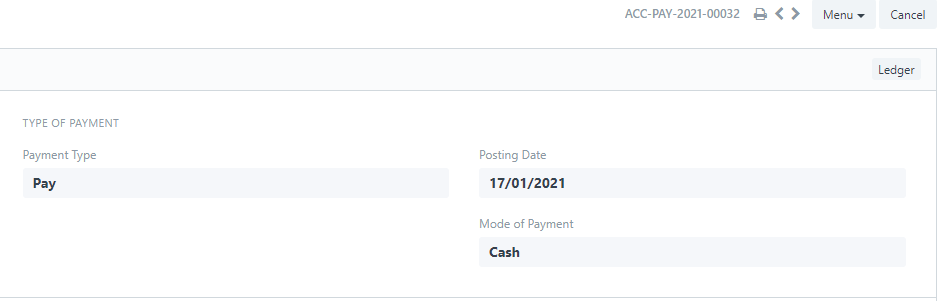
Posting Date တွင် ငွေချေလိုသော Date ကို ရွေးပါ။
Payment Type တွင် Pay ကို ရွေးပါ။
Mode of Payment တွင် ငွေ၀င်မည့် Cash or Bank Account ကိုရွေးပါ။
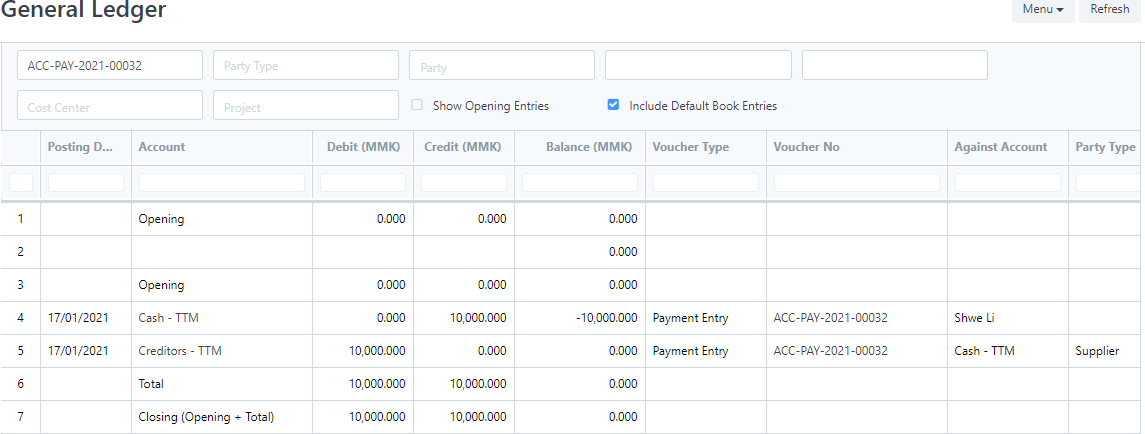
Party Type တွင်Supplier ကိုရွေးပါ။
Party တွင် Supplier Name ရွေးပါ။
Paid Amount တွင် မိမိချေလိုသော ငွေ Amount ကို ထည့်ပါ။ Save ကိုနှိပ်ပါ
Was this article helpful?
No comments yet. Login to start a new discussion Start a new discussion